How To Help Your WordPress Clients Understand AI
The tech industry is full of buzzwords and hype cycles. Many of us feel pressured to talk about and adopt whatever’s new and exciting. Artificial intelligence (AI) is yet another example of history repeating itself.
That’s not to say AI isn’t useful or won’t last. It is a bandwagon that everyone is jumping on, however. In some cases, we’re not sure why we’re doing so.
That logic can apply to our clients using WordPress. Imagine seeing mentions of AI virtually everywhere. Well, you don’t have to imagine because that’s our reality, too. Regardless, it’s easy to feel like you’re missing out.
Clients will naturally ask us about AI and how to implement it on their website. So, what should we tell them? How do we help them understand the pros and cons? Here are some ideas to help them understand AI’s potential role inside WordPress.
The Most Important Question: What’s Your Goal?
AI inspires our curiosity and makes us wonder about what’s possible. Product makers understand this and continue to add AI-powered features. We’re seeing this with WordPress plugins and third-party integrations.
It’s no surprise that clients want in on the action. Yet, AI alone doesn’t make a product better or more useful. As such, it’s important to consider why AI is (or isn’t) the answer for a given situation.
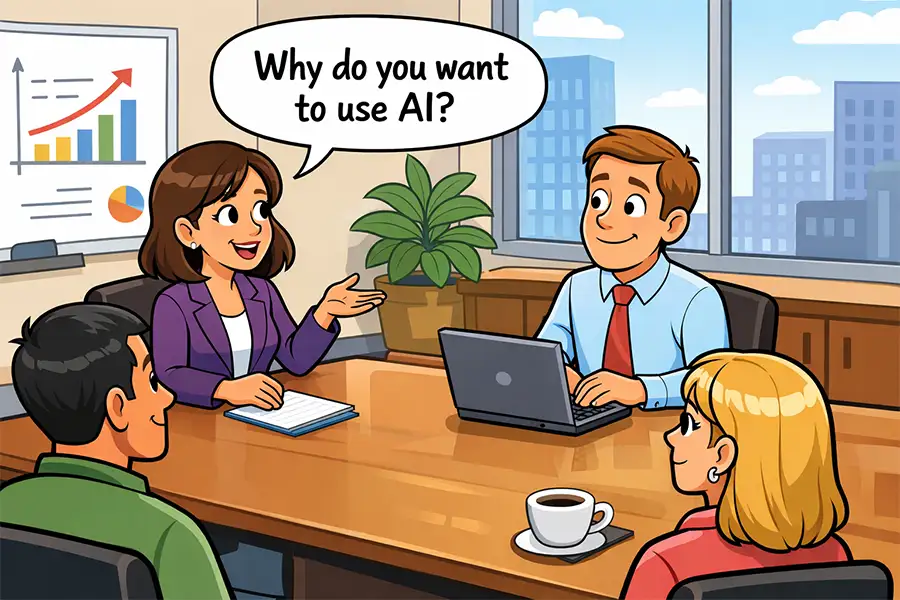
So, when a client brings up the subject of AI, the question to ask is: What’s your goal? As in, why do they think AI will be beneficial? What do they hope to accomplish with it?
Most early implementations have focused on content generation – text and images. Using AI makes sense if writing text or finding stock photos is a part of your client’s workflow. The technology excels at generating featured images, blog post excerpts, and SEO content summaries.
There’s also the much-ballyhooed/dreaded AI-powered chatbot (it depends on whom you ask). These apps perform customer service tasks and respond to user questions. They may be a fit for clients who want 24/7 coverage without hiring a human.
Other use cases are popping up. However, you and your client should define a clear goal. From there, you can decide whether AI is the right tool for the job.
Identifying the Downsides of Using AI
We often hail new technologies as the answer to all our problems. There are still concerns about AI and the companies behind it, however.
With that in mind, our clients should be fully aware of the potential downsides of adding AI features to their website:
User Privacy Concerns
AI companies require data to continue training their models. For example, we know they scrape websites to gather useful information. Implementing an AI app on your website might have similar consequences.
Clients should be aware of the risks and how a given provider handles customer data. Will they use information from your chatbot to improve their product? What happens to your customer’s contact information? How can you be sure that your data is safe?
This is vital information for every organization, particularly for compliance with privacy laws such as GDPR. In the past, apps like Google Analytics sparked privacy concerns. AI should be scrutinized just as much.
The Potential Costs
Some AI providers offer a free tier of service with strict usage limits. It may work well for small websites. For everyone else, there’s a subscription model for connecting with the provider’s API.
Estimating your usage can be difficult. That could lead to a surprise bill at the end of the month.
Educate your clients on the provider’s pricing model. Be sure to point out what happens if they exceed their allotted API calls. Some providers may have a setting to prevent overages – encourage clients to enable it. It’s an opportunity to measure usage and determine if they need a bigger budget.
AI Gets It Wrong Sometimes
AI apps have been known to provide inaccurate answers. These tools have also been tricked into returning potentially dangerous or offensive information.
Perhaps this isn’t a big deal if your client uses AI within the WordPress admin area. They aren’t likely to ask the app to do something nefarious (well, a hacker could). But what about using AI on the front-end of the site?
Such incidents can be a public relations nightmare for large organizations, and even small ones can see a negative impact on their reputation.
This is a risk worth bringing to your clients’ attention. A provider should give assurances and proof that this can’t happen with their app. Find out what, if any, safeguards are in place.
Help Your Clients Make an Informed Decision on AI
The buzz surrounding AI is understandable, and clients are right to ask about it. Everyone wants to know what the technology can do for them.
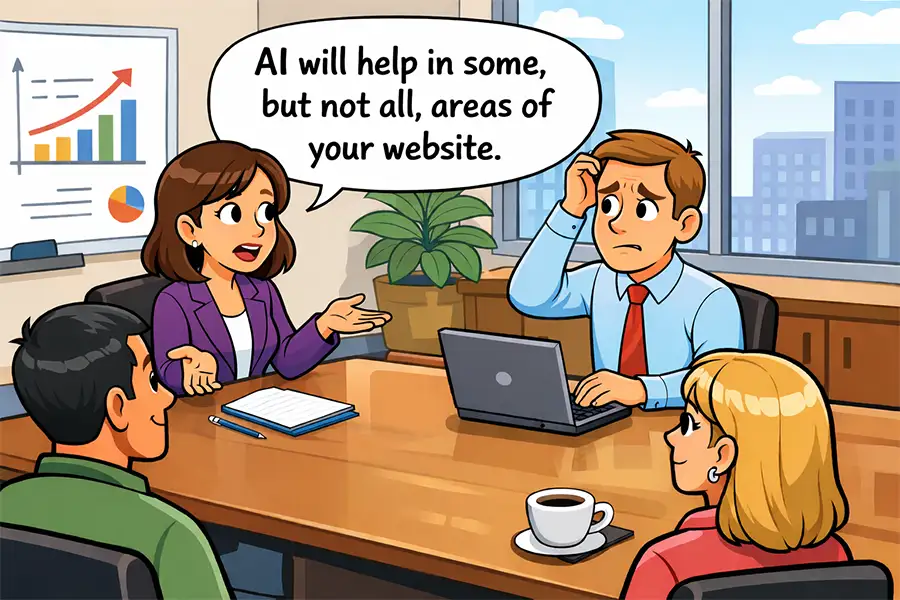
As web developers, it’s our job to help our clients figure out if AI is right for their website. A rational discussion about the good and bad is part of the process.
The truth is that some use cases are better suited for AI than others. Much depends on what your client wants to accomplish and how much they’re willing to spend. The ultimate measure of its usefulness may be the return on investment.
It all comes down to the same factors as other tools and technologies. That’s good news, as it means we’re prepared for the challenge.